

A game page loading on your phone tells you nothing about whether you can play it. Plenty of games render perfectly and then wait forever for a key press that a touchscreen cannot produce.
In our own catalogue, about a quarter of the games are keyboard-only. We track that as a flag and filter them out on touch devices, because shuffling a phone user into a WASD game is a dead end whose only escape is shuffling again.
What works on a touchscreen
- One-button games. Tap to jump, tap to shoot, tap to flip.
- Drag and aim games — pool, archery, catapults, golf.
- Puzzle, match and card games, which were designed for a pointer and translate perfectly.
- Games with on-screen controls drawn by the game itself, which many mobile-first developers include.
What does not
- Anything described with WASD or arrow keys, unless it also draws touch controls.
- Emulated console and DOS games. The emulator maps a physical keyboard and there is nothing to tap.
- Games needing simultaneous inputs, like moving and aiming at once.
- Two-player games sharing one keyboard, which are excellent on a laptop and impossible on a phone.
The detection problem
Detecting a touch device is less obvious than it looks. Checking only for a coarse pointer catches touchscreen laptops, which have a keyboard and are fine. We pair the pointer check with a width limit so a convertible laptop keeps the full catalogue while a phone gets the filtered one.
One deliberate exception: a shared link always opens the game it names, whatever device receives it. Filtering the shuffle pool is helpful. Filtering a link somebody sent you is just broken.
Landscape is worth trying
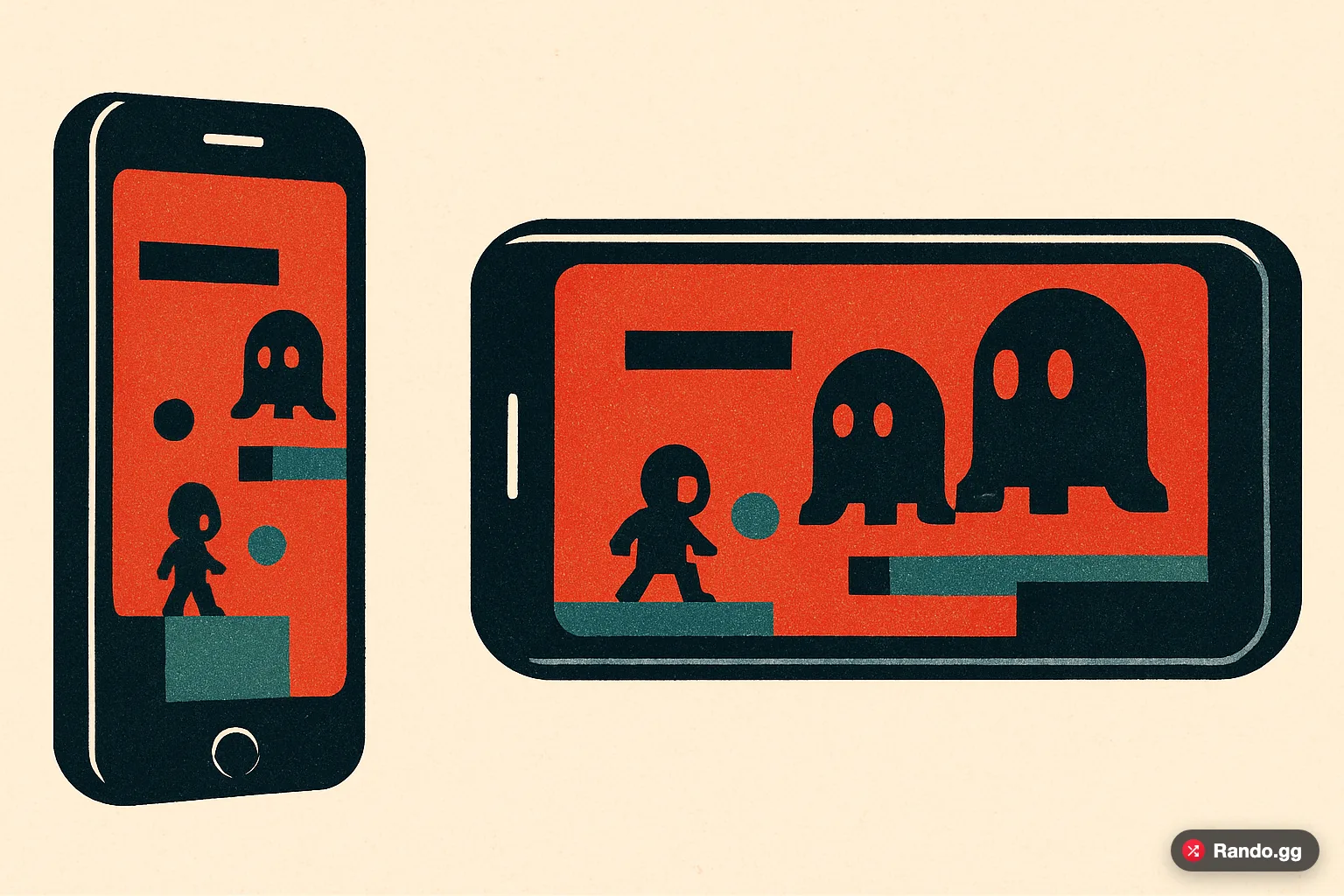
Many games assume a wide viewport and squash badly in portrait. Rotating the phone fixes more mobile complaints than anything else, and a lot of games only draw their touch controls once there is room for them.
Ten games from our catalogue that work on a phone
Every game below is flagged in our database as playable without a keyboard. They are ordered by how much they have actually been played here.
Flip Bros
The most played phone-playable game in the catalogue. Tap-controlled, starts instantly, no tutorial.
Swingo
One-input timing game. The whole control scheme is a single tap, which is exactly what a touchscreen is good at.
Draw Climber
Drag to draw, which is a control that only really works with a finger. Better on a phone than on a laptop.
Tunnel Rush
Reaction game with a very short loop, so a bad run costs seconds rather than minutes.
Perfect Slice
Aim and release with one finger. No timer pressure, so it survives a patchy connection.
Elastic Man
Pure drag interaction with no goal and no failure state. One of two games we recovered after its original host disappeared.
Paku Paku
A maze game with swipe controls. Small download, so it starts fast on mobile data.
Escape Road
Steering with a single held input, which maps cleanly to holding a thumb on the screen.
Tetris
The version here is touch-controlled. Endlessly replayable and works in portrait, which is rare.
Pacman
Swipe to turn. A known quantity that needs no explanation before you start.
How we decide what counts as phone-playable
It is a flag in the database rather than a guess made at page load. When a game is imported we record whether it needs a keyboard, and the shuffle pool on a touch device is filtered to exclude those. Of the games currently in the catalogue, roughly three quarters pass that filter.
The filter is deliberately conservative in one direction. Checking only for a coarse pointer would catch touchscreen laptops, which have a keyboard and should get the full catalogue, so the pointer check is paired with a screen-width limit.
What to do when a game will not respond
- Rotate to landscape. Many games only draw their touch controls once there is horizontal room.
- Tap directly on the game area first. Some games only capture input after a tap inside the frame.
- Close other tabs. A 3D game will ask for far more memory than a phone has spare.
- If nothing happens at all, it is probably keyboard-only — shuffle on rather than fighting it.